
Features
Everything a conference needs, in order.
The sections below follow the life of a conference. Each shows the platform as it is today, on a test conference of a few hundred papers.
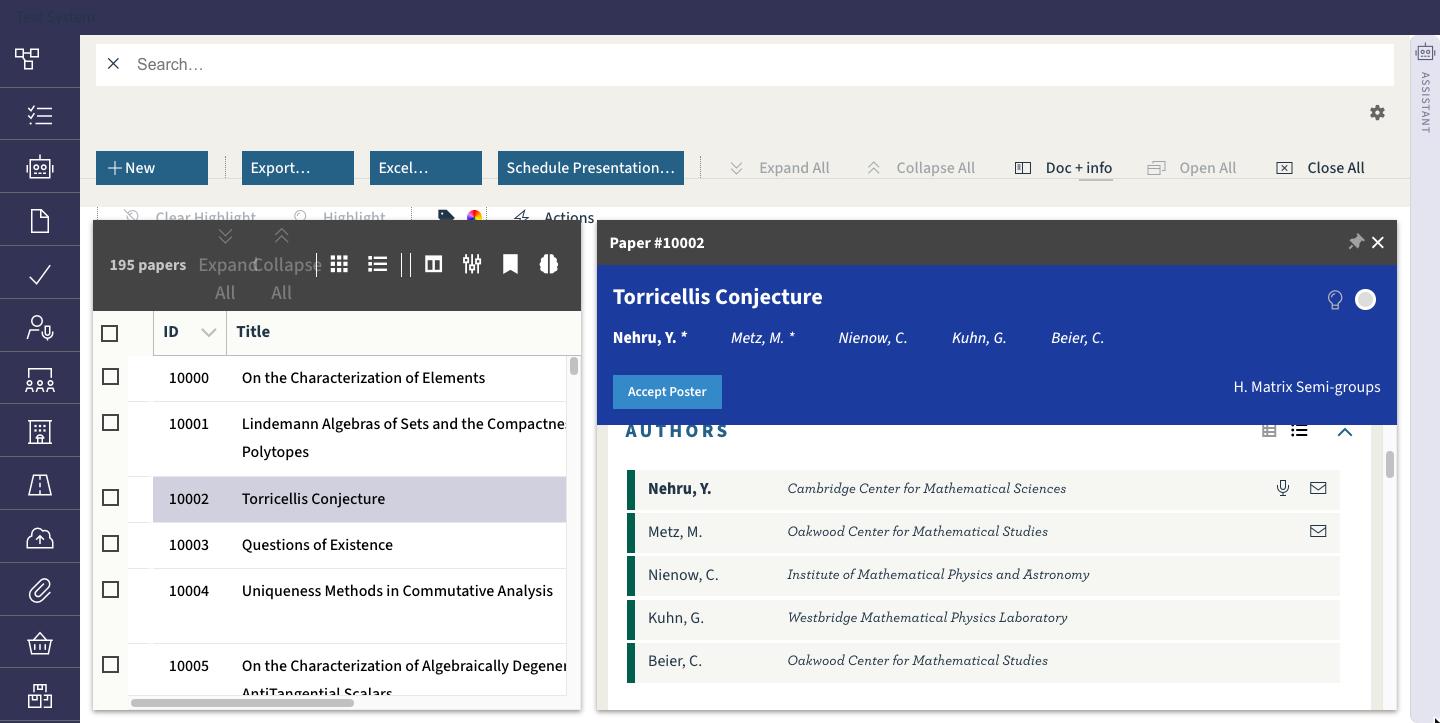
Paper upload
Submissions with revisions, checks and a complete history.
- Upload processes per document kind — abstract, paper, presentation, video, photo — each with its own window, allowed file types and format rules.
- Format rules are checked at upload: margins and page counts for PDF and Word, length for video. Results are a column and a filter.
- Every revision is kept; the current one is shown as a thumbnail and page-one preview wherever the paper appears.
- Authors, co-authors, corresponding and presenting flags, categories, keywords and DOI in one editable record.
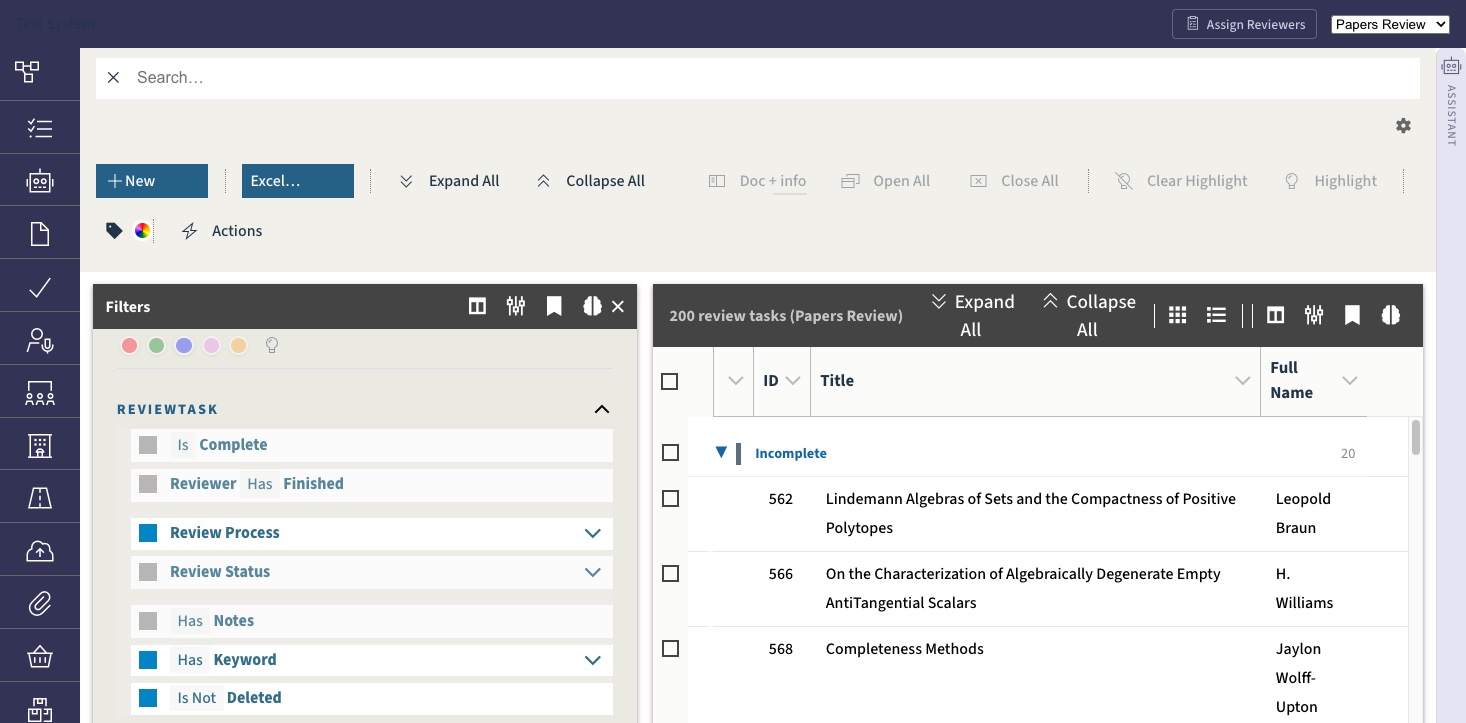
Full multi-phase review
Abstract review, paper review, and any round after that.
- Any number of review processes, each with its own states, decisions, form and reviewer pool. The master process holds the final decision.
- Reviewers are assigned by category and workload, in bulk or by hand, with a preview before anything is written.
- Review forms are documents: ratings, selections and free text, all of which become columns and filters on the task list.
- Reviewers work in their own portal and see only what is open for them.
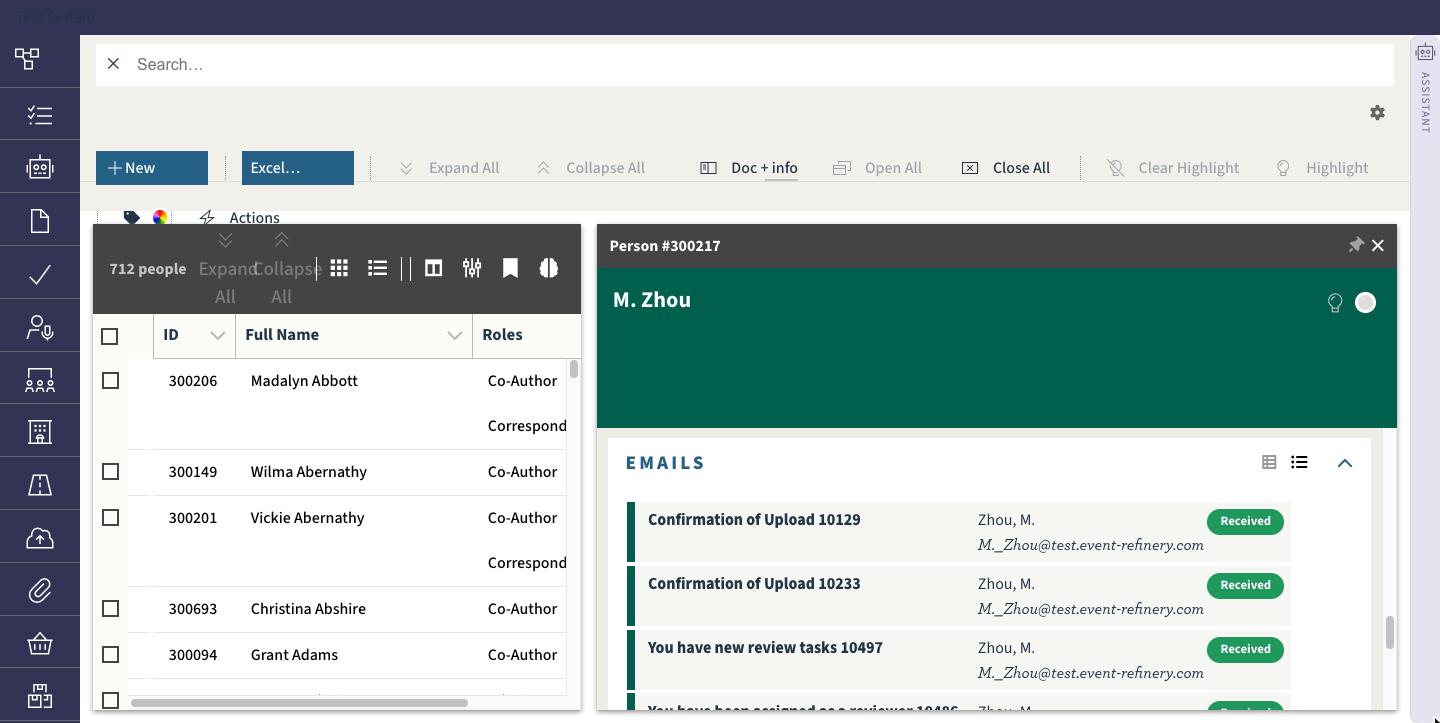
Email and correspondence
Templates, mailings, and a delivery record on every person.
- Templates with merge fields for papers, people, review tasks and presentations, with layouts and a model-assisted writer.
- Mailings go to any filtered list — all corresponding authors of rejected papers, every reviewer with open tasks — in one step.
- Each email is queued, sent and delivered (or not) as events on the person and the paper, so a chair can see what was received.
- Filters such as “has not received the acceptance mail” make the follow-up round a one-line query.
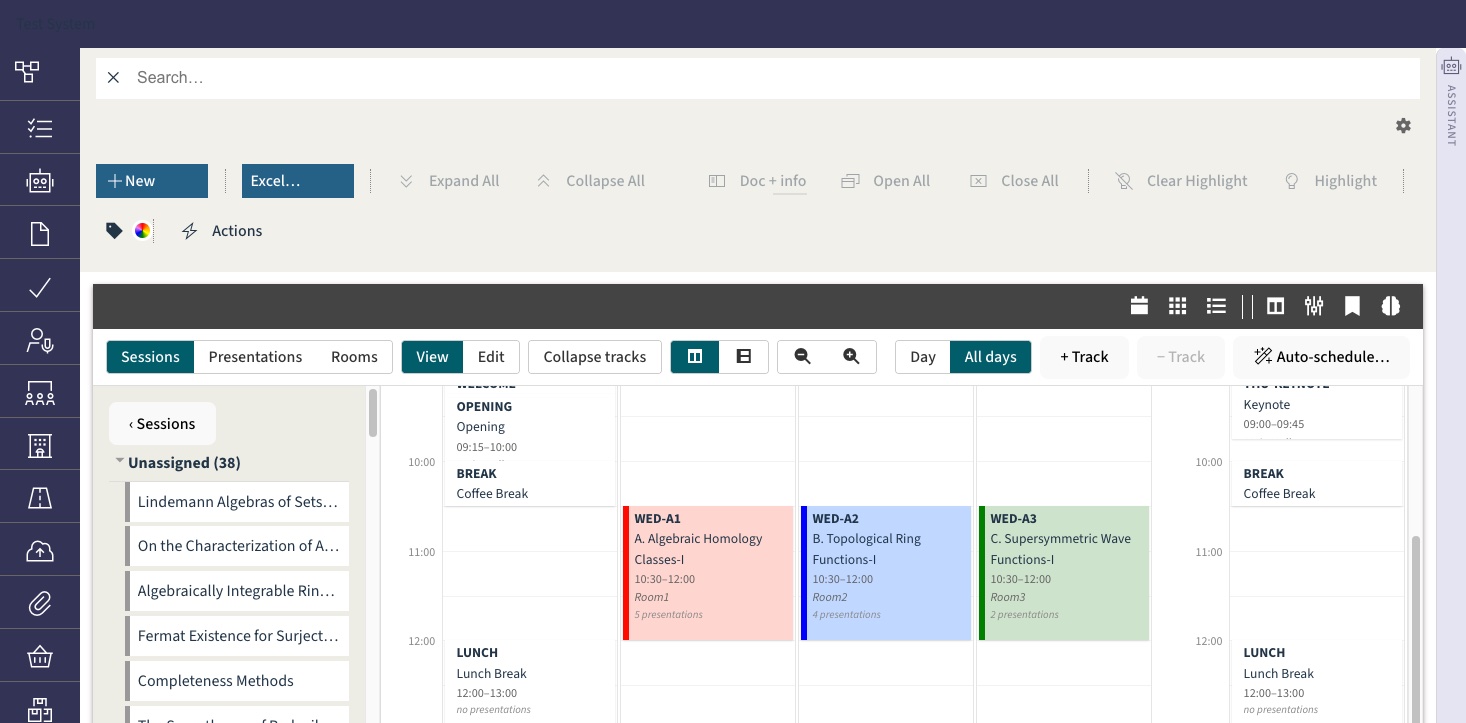
Session management
Tracks, sessions and a calendar board.
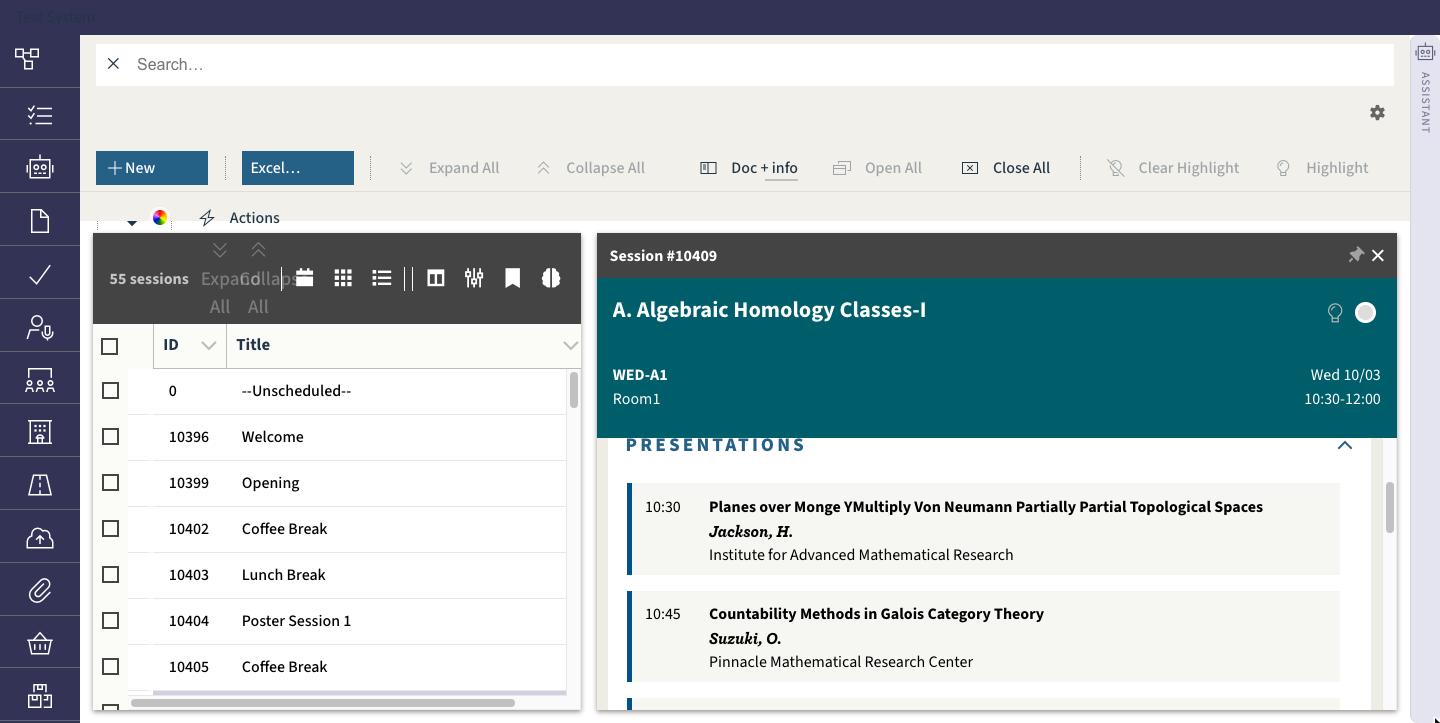
- Sessions with types, chairs, rooms, slot lengths and pauses; tracks that span days and constrain the rooms.
- Drag a session on the board and its presentations move with it; drag a presentation between sessions and both running orders are retimed.
- The auto-scheduler fills the days from the accepted papers, by category and poster or oral decision, within the conference's hours and tracks.
- A session's colour, description and presenter line-up are kept in the same record the public programme reads from.
Onsite management
Rooms, running orders and a public programme.
- Rooms with capacity, location and maps; a session's talks are timed from its start, slot size and pauses.
- The public programme page shows sessions, presenters with their photos and abstracts, and refreshes itself every minute.
- Presenter photos, presentation slides and videos are uploaded against the person or the presentation and are available on site.
Live sessions
Streamed sessions with video and slides, per site.
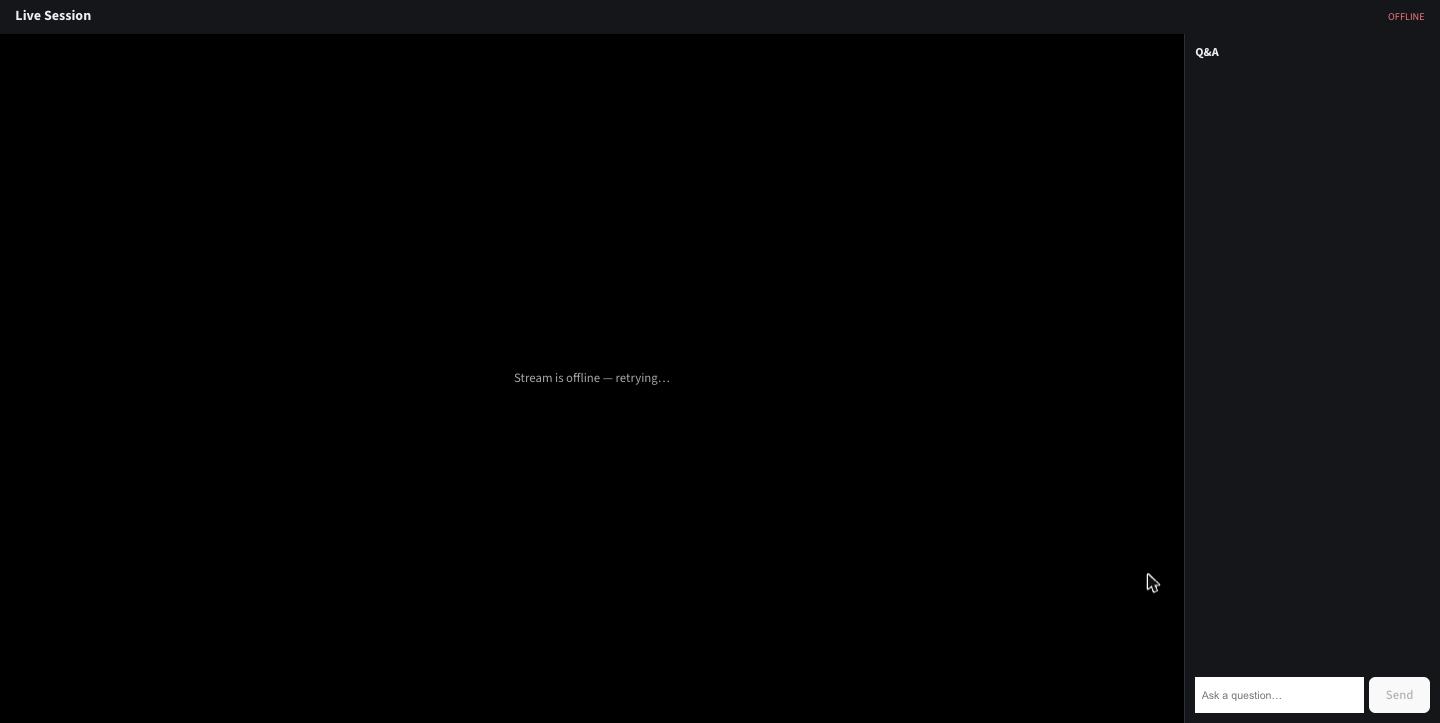
- Every session has a live page: one speaker streams, any number of registered viewers watch, questions come in from the audience.
- Presentation files (PowerPoint, PDF) and videos are uploaded per presentation and shown beside the stream.
- Built on LiveKit; runs on the platform's media server or on a server at the venue for hybrid events.
Registration
Tickets and extras, booked per customer.
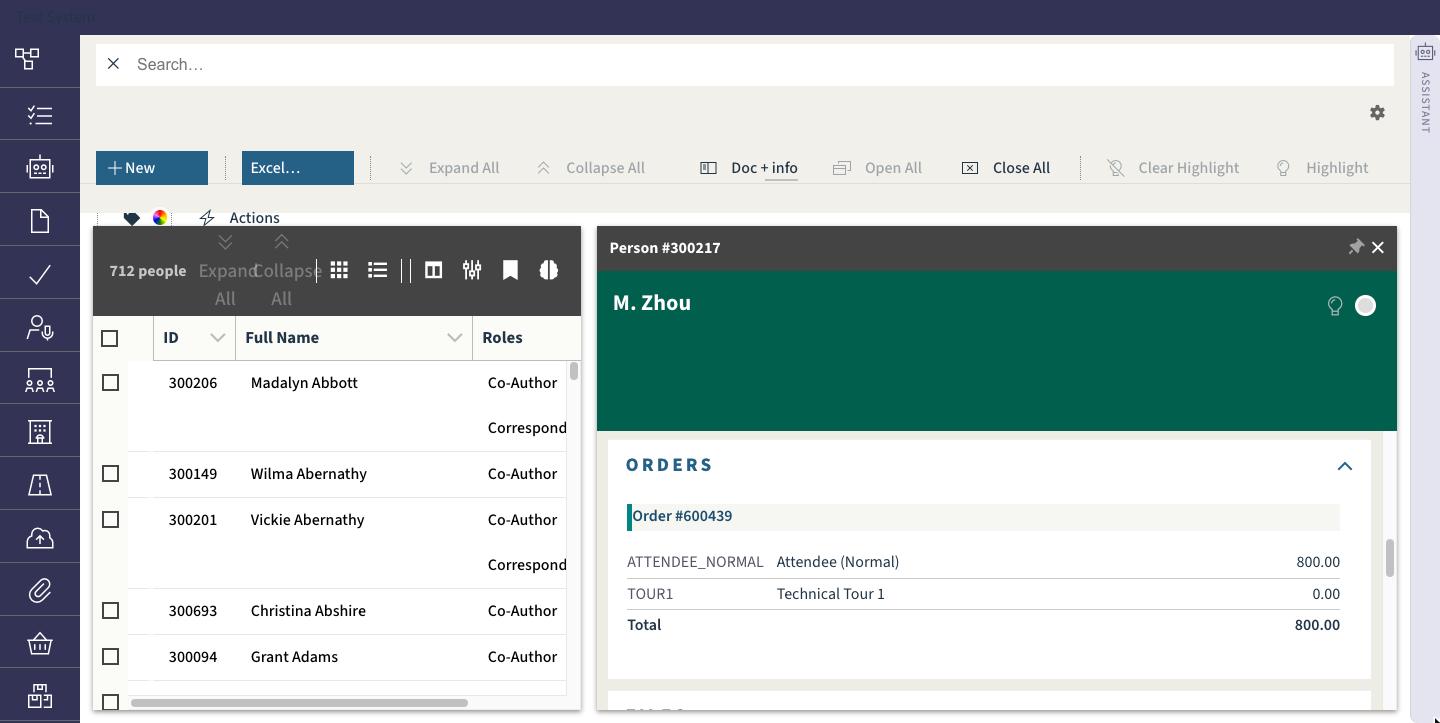
- Products in kinds — tickets, tours, dinners — with codes and prices; each customer gets a purchase order with its lines.
- “Is registered” and “has bought” are filters and columns on the person list, so unregistered presenting authors are one click away.
- Orders, their products and their status appear on the person's timeline next to everything else that happened to them.
AI query and management
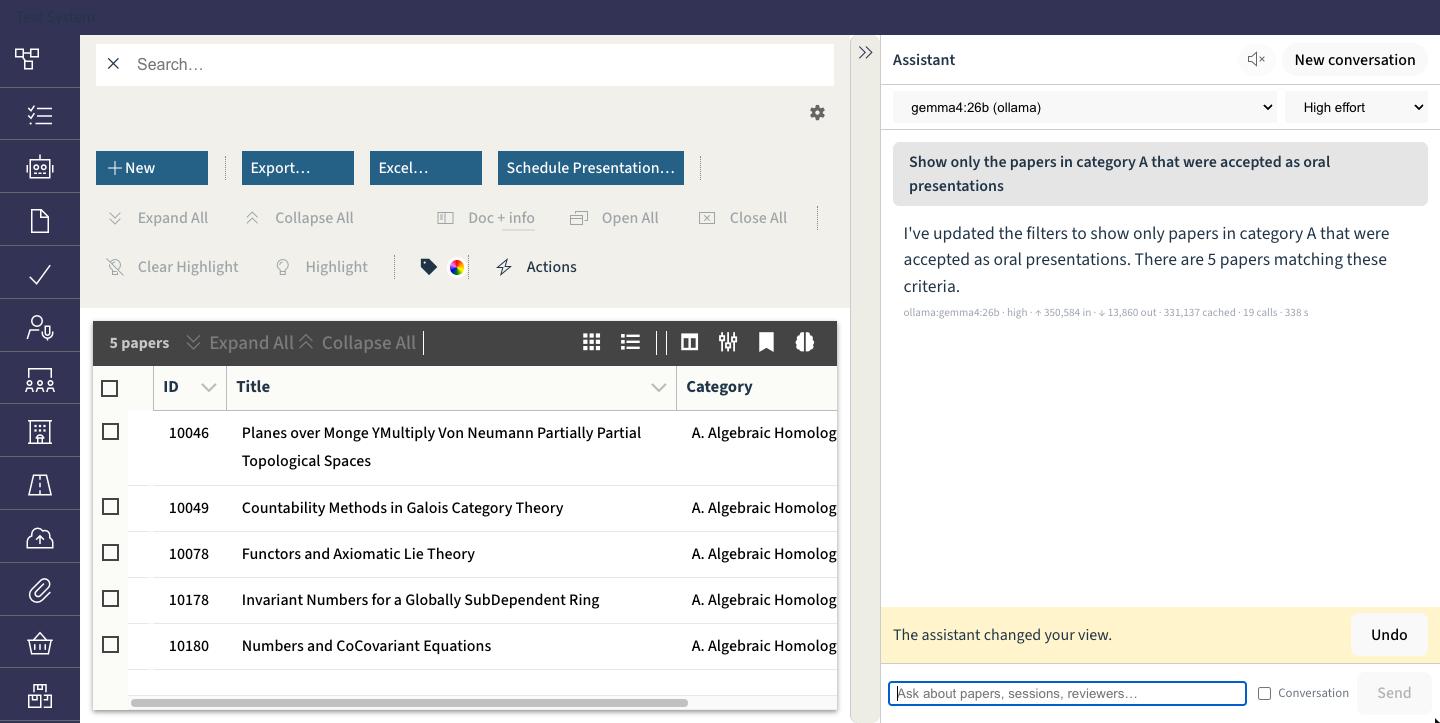
Ask in plain language; the interface answers.
- The assistant runs the real interface: lists, filters, columns, grouping, sorting, selection, colours and keywords — every step undoable.
- Semantic search over titles, abstracts, descriptions and notes finds “papers about solar thermal storage” without the exact words.
- Working sets and remembered queries let follow-up questions build on earlier answers; standing notes keep your preferences.
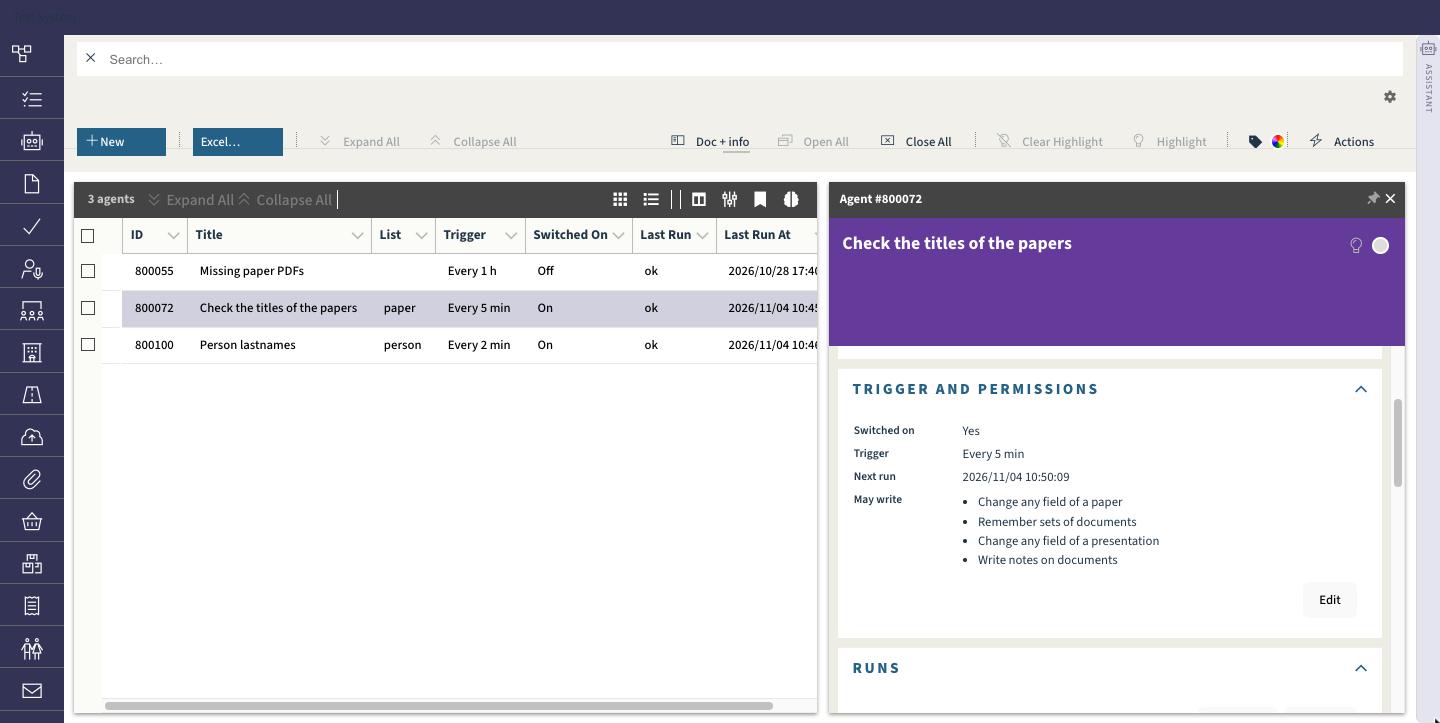
- Agents: describe a recurring job in English — “note every paper without a PDF” — and a model writes a sandboxed script that runs on a schedule or on events.
Try it on your conference
Preliminary access starts now.
We are inviting a small number of conferences to run on the platform ahead of the public release. Write to us with the name of your event, its expected size and submission dates, and we will get back to you within a few days.